In contemporary work environments, the ergonomic chair has become a critical component of workplace wellness. Whether used for gaming, remote work, or executive meetings, user requirements for structural support, adjustability, and long-term comfort vary significantly. Yet many products on the market claim “ergonomic” status based solely on superficial features — such as an adjustable lumbar pad or breathable mesh — without fulfilling the biomechanical principles that define true ergonomic design.
It must be emphasized: no office chair can single-handedly mitigate the physiological consequences of prolonged sitting. Authentic ergonomic design is defined by its capacity to dynamically accommodate human biomechanics — reducing load on the musculoskeletal system, facilitating micro-movements, and encouraging postural variation, rather than enforcing rigid, static alignment.
For individuals engaged in extended desk-based work — or those already experiencing discomfort in the lumbar, cervical, or shoulder regions — selecting a chair with scientifically validated support mechanisms and comprehensive adjustability offers greater practical value than prioritizing aesthetics or brand recognition. Core evaluation criteria should include: customizable fit, uniform pressure distribution, and dynamic responsiveness. For users seeking relief from lower back pain, or those considering a chair with integrated footrest to enhance lower limb circulation, functional precision outweighs visual design.

The term “ergonomic” should not be conflated with isolated features or materials. Scientifically, ergonomics denotes a design philosophy in which the product adapts to the user — not the reverse. A properly engineered chair enables seamless transitions between postures, thereby minimizing the accumulation of static muscular strain.
Research indicates:
Common user queries — such as “how to choose an ergonomic chair” or “what defines an ergonomic office chair” — can be distilled into three essential criteria: adjustability, dynamic support, and pressure adaptability. For users managing lower back discomfort, dual-axis lumbar adjustment (height and depth) is non-negotiable. For home office users, spatial integration and dimensional compatibility are equally critical.
Certifications such as BIFMA, Martindale, and SGS primarily evaluate structural integrity, material durability, and mechanical safety — they do not assess the chair’s capacity to deliver biomechanical support or long-term comfort. Consumers should not prioritize technical specifications as primary selection criteria.
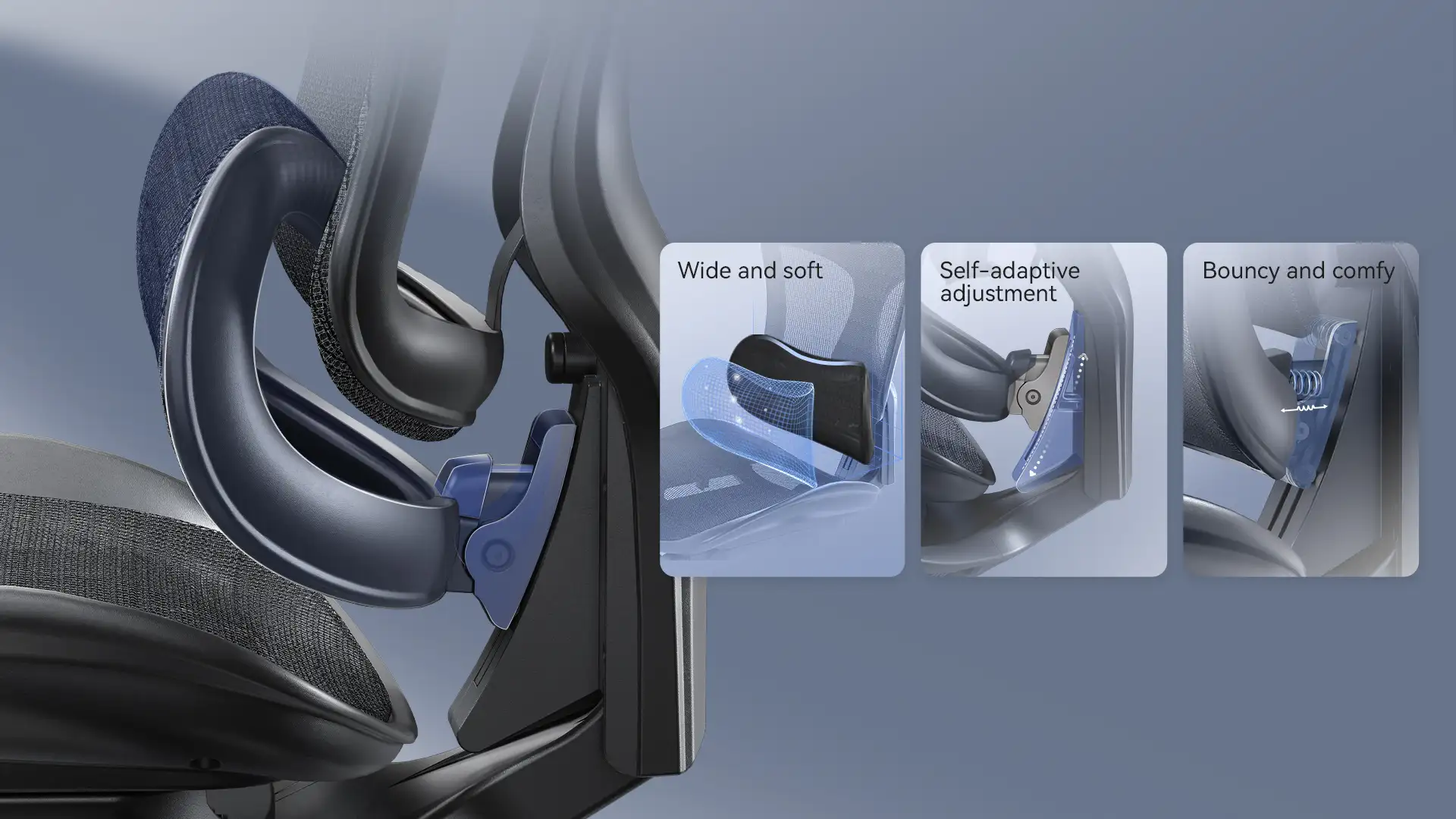
Some manufacturers allocate greater resources to aesthetic finishes or ancillary features, without proportionally enhancing core ergonomic functionality. For instance, the Sihoo M57 incorporates essential adjustments — including lumbar support, dynamic recline, and seat cushioning — sufficient for most users’ baseline needs. Higher-tier models may offer refined materials or additional mechanisms, but their necessity must be evaluated against individual usage patterns and physiological requirements.
The human spine is not anatomically optimized for sustained static sitting. Empirical findings demonstrate:
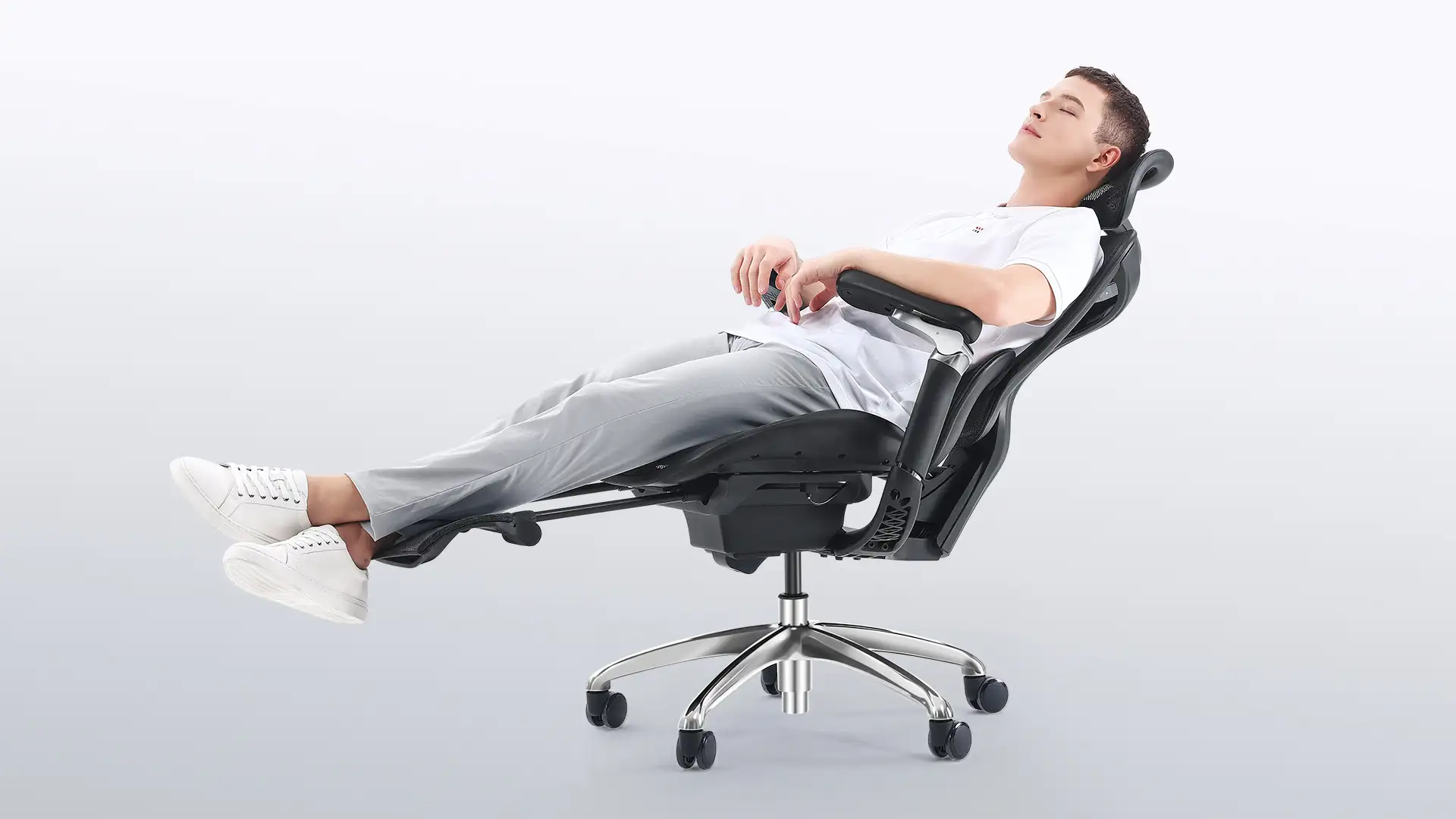
Consequently, an optimally designed ergonomic chair should facilitate “dynamic posture management,” permitting natural transitions between upright, reclined, and lateral orientations — without imposing mechanical constraints. Chairs with integrated footrests may enhance comfort during rest intervals, but upright spinal alignment remains essential for productive work.
Lumbar Support Evaluation
Seat Cushion Evaluation
Dynamic Performance Evaluation
Spatial and Anthropometric Compatibility
Essential Adjustments
Recommended Enhancements

Contemporary ergonomic chairs typically include baseline adjustment systems. Premium variants may enhance material quality or introduce supplementary mechanisms — but their utility must be evaluated relative to individual physiological and environmental constraints.
Core support and adjustability should precede aesthetic or secondary considerations. For corporate users, structural durability is paramount; for computer-intensive roles, lumbar and armrest precision take precedence.
In the absence of a dedicated ergonomic chair, existing seating may be improved through:
Empirical consensus confirms:
These zero-cost strategies offer superior long-term physiological returns compared to any static seating solution.

Mesh-backed chairs, characterized by high breathability and responsive elasticity, are optimal for humid environments or continuous use. High-density foam provides uniform load dispersion and thermal comfort — preferable in cooler climates or for users favoring cushioned immersion. Leather upholstery offers aesthetic gravitas but inferior ventilation and elevated maintenance — not a prerequisite for functional excellence.
Selection should prioritize biomechanical compatibility over stylistic preference.
Headrests serve primarily during reclined rest; their utility in upright work posture is minimal. For users with cervical discomfort, screen height alignment — ensuring neutral head positioning — is more effective than headrest adjustment. True cervical load reduction stems from postural discipline and workstation calibration.
Optimal seat height permits full plantar contact with knees at 90°. Minimum 10 cm clearance between seat front and desk understructure prevents femoral compression. Proficiency in height adjustment via gas lift lever remains essential for functional optimization.
Functional requirements vary significantly across occupational and behavioral contexts. Recommended configurations include:
Prioritize dual-axis lumbar adjustment, breathable mesh upholstery, and seat depth control — particularly for users managing lower back discomfort. Multi-axis armrests and integrated footrests are strongly recommended; fixed armrests or absent lumbar mechanisms are inadequate.
High-back support, silent casters, and premium upholstery (e.g., leather or performance fabric) align with executive environments. Adjustable headrests and micro-recline functions are preferred; overtly sport-oriented aesthetics or armless designs are unsuitable.
Compact ergonomic models with reduced footprint integrate seamlessly into residential settings. Basic lumbar adjustment and mesh construction are recommended; oversized bases or non-adjustable mechanisms should be avoided.
Chairs combining medical-grade lumbar contouring with footrest integration and pressure-dispersing cushions are advised. Professional ergonomic assessment and multi-stage adjustability are critical; rigid structures or non-conforming seat surfaces are contraindicated.
Note: These recommendations serve as functional guidelines. Final selection must account for individual anthropometry, health status, and behavioral patterns.
Where feasible:
As a long-term-use asset, comprehensive post-purchase support supersedes promotional incentives:
Selecting an ergonomic chair constitutes the acquisition of a tool designed to facilitate healthy work behaviors — not a comprehensive solution to sedentary risk. Regardless of mechanical sophistication, chair efficacy remains contingent upon user behavior: frequency of posture variation, adherence to movement breaks, and commitment to physical conditioning.
Advanced feature sets do not guarantee optimal fit; the most suitable chair cannot substitute for disciplined movement. True ergonomics resides not within the chair — but in its utilization.
Sustainable posture management requires the integration of instrumental support and behavioral awareness. Only through this dual approach can efficiency and physiological well-being be harmonized within the modern work environment.